I'm having issues uploading images
Print
Modified on: Mon, 31 Oct, 2022 at 12:27 PM
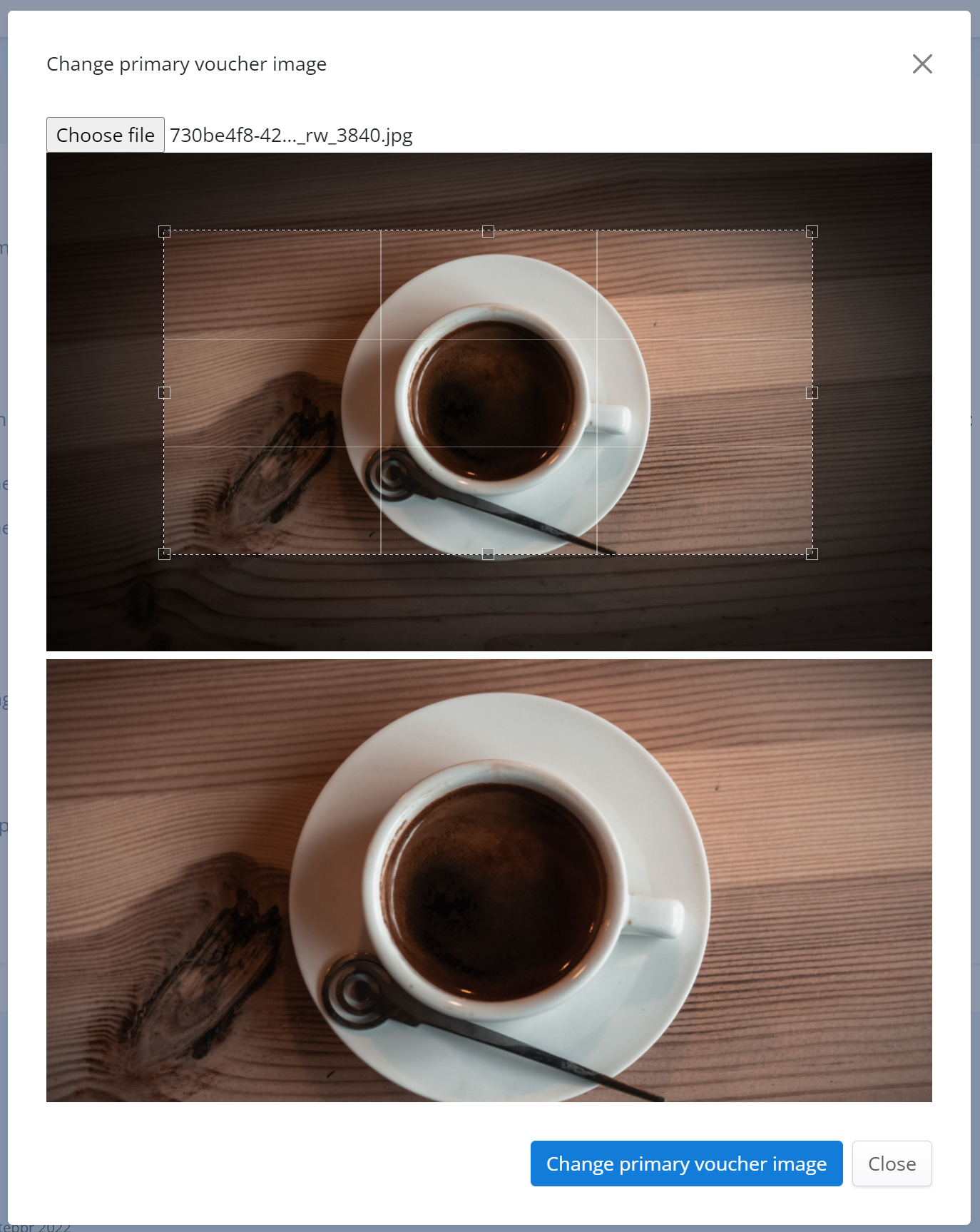
Sometimes the editor can work differently on different web browsers. Usually, when you upload an image, the auto-cropping tool should appear and the selected part of the image should be obvious (which you can move about or resize as necessary). If not, please just left-click once on the image, and this should cause the auto-cropping tool to appear.
Did you find it helpful?
Yes
No
Send feedback Sorry we couldn't be helpful. Help us improve this article with your feedback.
